



Achteraf betalen met Klarna
Complete your set
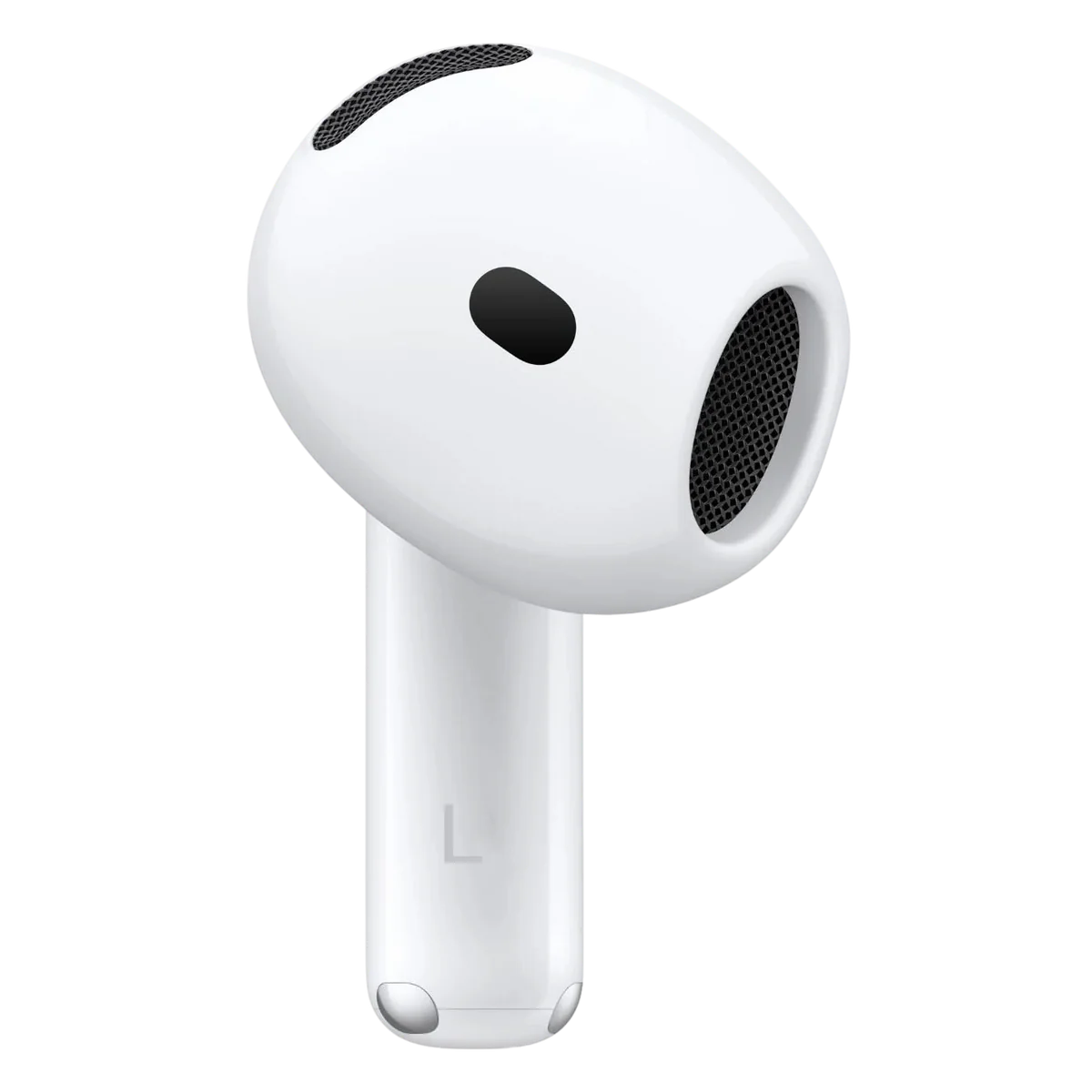
Single right Apple AirPod 4th generation
Kies dezelfde uitvoering: With ANC of Without ANC
From €52,80voor conditie Limited
Bekijk — Single right Apple AirPod 4th generationSeparate Apple charging case AirPods 4th generation
Kies dezelfde uitvoering: With ANC of Without ANC
From €58,80voor conditie Limited
Bekijk — Separate Apple charging case AirPods 4th generationFits your generation exactly and protects your charging case against scratches and drops.
€5,00
Bekijk winkelwagenDull or quiet sound? There is often earwax in the mesh. Clean your earbuds first.
€5,00
Bekijk winkelwagen


How do you pair these AirPods?
-
Place both AirPods in the case
Put your existing AirPod and the new AirPod together in the charging case.
Sluit de case aan op stroom, doe het deksel dicht en laat hem bij voorkeur 6 uur onafgebroken opladen, bijvoorbeeld een nacht (Apple noemt minimaal 20 minuten); zo trekken de oortjes hun software gelijk. Zorg ook dat je iPhone de nieuwste iOS-versie heeft.
-
Open the case next to your iPhone
Hold the case open next to your paired iPhone or iPad.
-
Tik op de voorkant van de case
AirPods 4, AirPods 5 en AirPods Pro 3 hebben geen knop. Tik met het deksel open twee keer op de voorkant van de case, tot het lampje wit knippert (dat is de koppelmodus, geen reset).
-
Follow the on-screen instructions
Your iPhone recognises the new AirPods and completes the pairing.